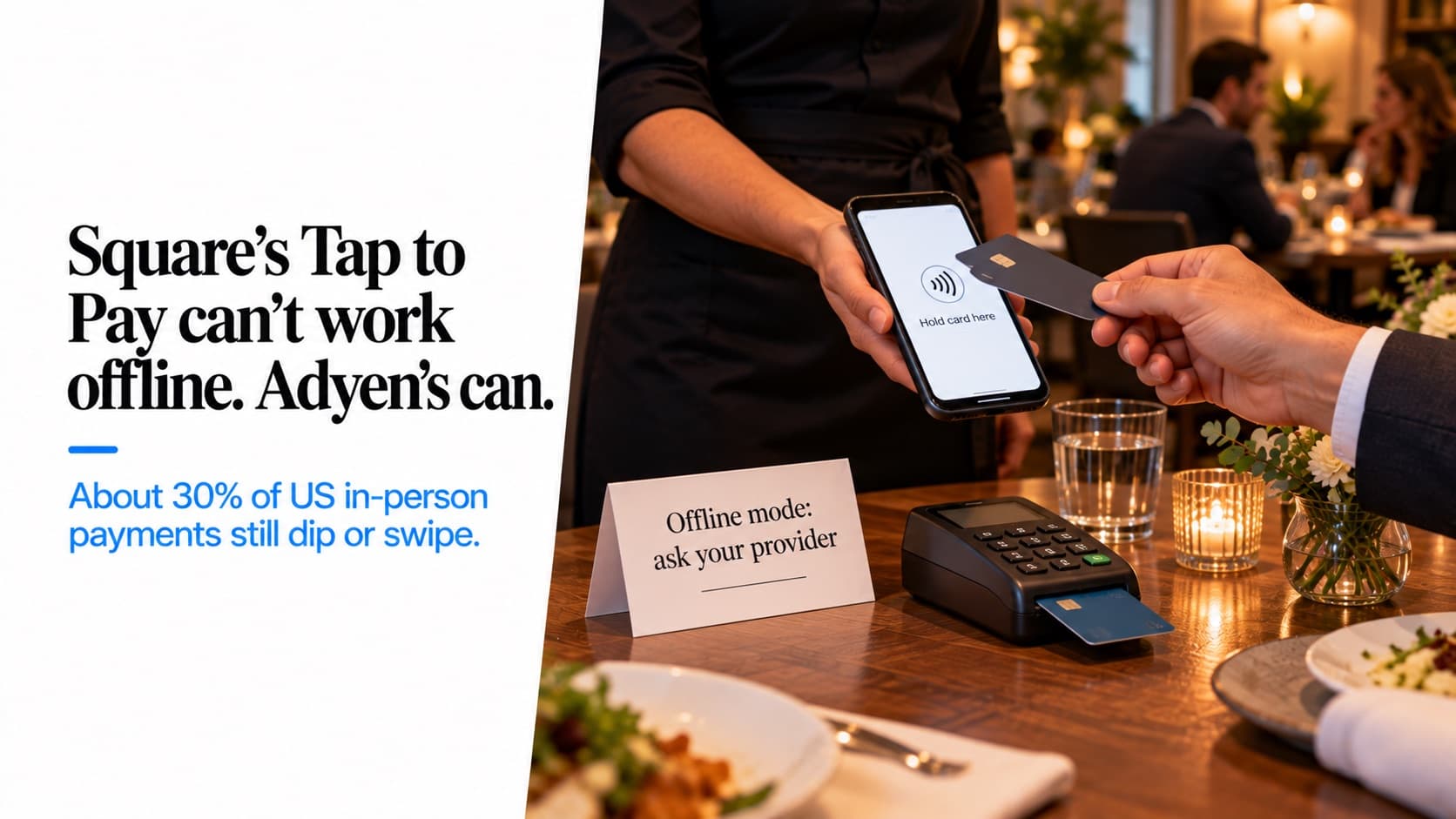
Square's Tap to Pay can't work offline. Adyen's can.
Visa says nearly 70% of US in-person payments are tapped, so 30% still dip or swipe — which a phone can't take. Clover's Tap to Pay doesn't support PIN.

The pitch is simple: your server's iPhone is the card terminal. No reader, no dock, no rental fee. Apple, Google and most payment providers now support it, and for a lot of businesses it works.
For restaurants it works in some places and fails in others, and the failure points are specific. Here's what Tap to Pay actually does, what it can't take, and where I'd use it.
What it is
Tap to Pay on iPhone needs an iPhone XS or later, "the latest version of iOS," and a payment app from a provider that processes the payment. Android versions exist too: Square's needs Android 9 or later with NFC on and developer options off, and excludes some older Samsung phones.
The phone reads contactless cards and phone wallets. That's all it reads.
What it costs
Square charges 2.6% + 15¢ for Tap to Pay, the same as its other in-person payments. In other words, it's priced as a card-present transaction, which is the main advantage over keying in a card number. Other providers' pricing varies; I couldn't confirm one widely repeated claim that Stripe adds a per-transaction fee.
The 30% it can't take
Visa told investors in January 2026 that contactless was "nearly 70%" of its in-person transactions in the US. That's Visa's own figure, for Visa only. Read the other way, about 30% of in-person payments are still a chip insert or a swipe, and a phone can't accept either.
Some cards also require an inserted chip or an offline PIN, which fails on a phone. Stripe's documentation says this is common in Canada and happens in the UK; it's less common in the US but not zero. A guest whose card won't tap needs another way to pay.
PIN support depends on the provider
The iPhone supports PIN entry, including an accessible mode for visually impaired cardholders. Not every provider uses it. Clover's Tap to Pay page says: "PIN is not currently supported." A card that asks for a PIN simply fails.
Offline depends on the provider too
Apple supports a "Store and Forward" mode, keeping encrypted card data on the phone until the connection returns. Whether you get it depends on your provider:
- Square: "Offline payments are not supported with Tap to Pay on iPhone," and the same on Android. A failed payment can't be retried.
- Adyen enabled Store and Forward for Tap to Pay in the US in June 2025.
- Clover: sources conflict.
So "Tap to Pay doesn't work offline" isn't an Apple limit. It's a provider choice. The offline post covers how full POS systems handle the same problem.
Limits and tips
Square caps Tap to Pay at $10,000 for a physical contactless card and $50,000 for a phone wallet, per transaction. That covers almost any restaurant check and most catering invoices.
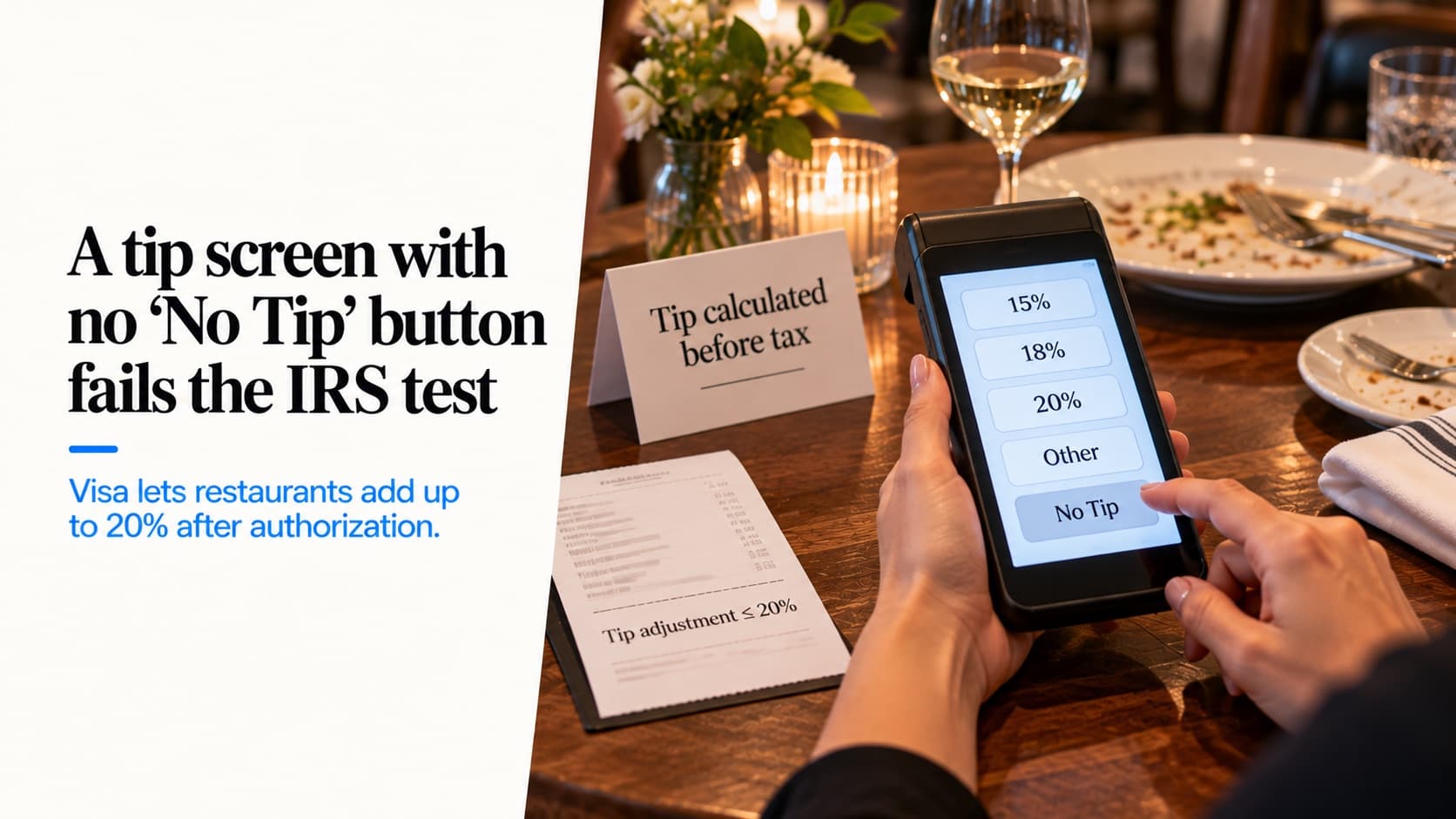
Tips are the restaurant-specific catch. Mastercard requires a tip on a contactless payment to be included in the authorization, with a 20% tolerance for restaurants. So the clean flow is tip on the phone's screen, then tap. Tap first and write a tip on paper, and anything above 20% is exposed. The tip screen post covers the rule.
Security and the phone in your server's pocket
The industry standard for accepting cards on ordinary phones, PCI's "Mobile Payments on COTS," was published in November 2022 and updated in 2024. It applies to the payment provider, not to you. Your part is operational: a passcode on every device, current software, nothing jailbroken, developer mode off.
The bigger question is whose phone it is. A server's personal phone as a payment terminal means work data on a personal device, and a terminal that goes home at the end of the shift. I'd use company-owned devices.
Where I'd use it
- As a backup for when a terminal fails or the line is long.
- At off-site events and catering, where a phone is easier than a reader — with a reader in the bag for the guests whose cards won't tap.
- For line-busting at a busy counter.
I wouldn't make it the only terminal in a full-service restaurant. The 30% that won't tap is too large, and tipping at the table works better on a device built for it.
What I'm not going to give you
The US amount above which a contactless card needs a PIN. I couldn't confirm a network figure.
Whether Toast offers Tap to Pay for staff. I found no Toast documentation of it.
Which PCI self-assessment form applies. Ask your acquirer.
What to do
- Ask your provider three questions: PIN support, offline support, and the price compared with a reader.
- Keep a chip reader available wherever you use Tap to Pay.
- Use company-owned phones, with passcodes.
- Take tips on screen before the tap.
Disclosure: I work at Katalyst, which sells a POS that works with dedicated payment devices. Tap to Pay is a good tool. A restaurant's payment setup needs to handle the guest whose card won't tap, too.
Related Katalyst products
See how Katalyst handles your service style
A 30-minute walkthrough of the platform, tuned to how your restaurant actually runs.