The state of restaurant POS in 2026
The restaurant POS market is in the middle of a generational shift. Legacy systems built in the 2000s — Aloha, Micros, Squirrel — are being retired wave by wave. Operators are moving to cloud-based, iPad-friendly platforms with native online ordering, payments, and reporting. The reason is simple: a POS without these things forces you to glue four to six vendors together, and the integration tax eats your margin.
The flip side: the market is now crowded. Toast, Square, Lightspeed, SpotOn, Clover, and a dozen smaller players all claim to be ‘all-in-one.’ Most aren’t. This guide is the framework we use to evaluate them.
The five categories of restaurant POS
- Legacy on-prem (Aloha, Micros, Squirrel) — proprietary hardware, server in the back office, slow updates, expensive support contracts. Strong feature parity in fine dining; brittle in everything else.
- Retail-adapted POS (Square, Lightspeed Retail) — solid for cafés and small concepts, breaks down at multi-course dining and complex modifiers. Great developer ecosystems.
- Restaurant-first cloud (Toast, SpotOn) — built for restaurants from day one, but with feature bloat and aggressive bundling that locks you into their payment processing.
- Restaurateur-built all-in-one (Katalyst) — built by operators who run the systems they sell. Fewer bolt-ons; deeper customisation per concept. Smaller ecosystem than Toast but better fit for multi-concept groups.
- Vertical specialists (Resy, OpenTable, Lavu) — strong in one domain (reservations, mobile), weak outside it. Useful as point solutions, not platforms.
What to look for in a restaurant POS
The non-negotiable feature checklist. If a vendor charges extra for any of these, treat it as a yellow flag.
Core point of sale
Cloud-based, iPad-compatible, with offline mode. Sub-2-second ticket open. Modifier handling that doesn’t require a computer-science degree to configure. Multi-rate pricing for happy hour, weekday lunch, etc. See Katalyst Flex POS for our take.
Payments built in
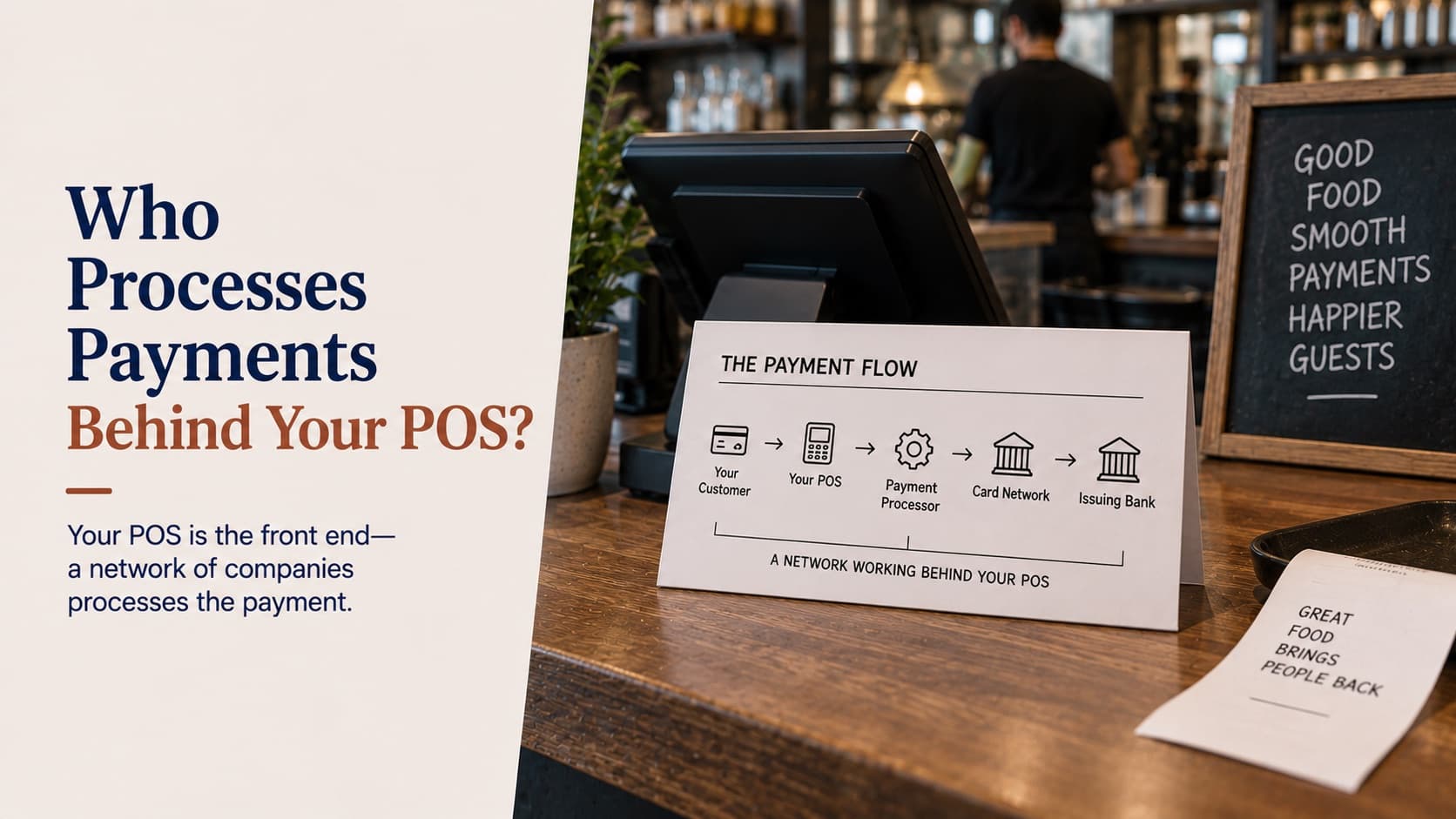
Card processing in the same workflow as the POS — not a bolt-on. Apple Pay, Google Pay, contactless EMV, and tip handling at the terminal. Watch out for vendors who lock you into their processor at uncompetitive rates. Katalyst Payments runs at processor-cost transparency.
Kitchen display system
Native, not via a paper-printer adapter. Course pacing, station routing, item-level void/refire, and prep-time analytics. Our KDS overview covers the technical specifics.
Native online ordering
Branded checkout (your URL, your colours), commission-free. If your POS routes online orders through a third party that charges 15-30%, you’re paying twice for the same order. See online ordering for the architecture.
Loyalty and gift cards
Customer profiles, points / rewards, gift cards, and marketing attribution all in one. The data flywheel here is more valuable than the loyalty program itself — see Katalyst gift card and loyalty.
Reporting and analytics
Real-time dashboards, multi-location consolidation, and exportable raw data (CSV / API). Look for KPIs out of the box — labour as a % of sales, item-level margin, void rates by server. Katalyst analytics ships 200+ KPIs.
Hardware decisions
Three pieces of hardware decide more than people realise:
- Terminal type. iPad-based POS (Katalyst, Toast, Square) gives you flexibility, off-the-shelf replacements, and consumer-grade UX. Proprietary Windows-based terminals (Aloha, Micros) lock you in but hold up better in extreme environments.
- Handhelds. Servers carrying handhelds run 20-30% faster service. Make sure the handheld is the same software as the terminal — not a stripped-down ‘companion app.’
- Self-order kiosks. For QSR and fast-casual, kiosks lift average ticket 15-20% via upsells. Look for native integration — see Katalyst self-order kiosks.
The hidden costs of outdated systems
Most operators stay on legacy POS one cycle too long. The visible cost is monthly licensing — usually $200-400 per location. The hidden costs:
- Engineer time spent reconciling between POS, online ordering, loyalty, and accounting (4-8 hours/week).
- Higher payment processing rates (legacy vendors lock you into 2.6-3.2% effective rates; modern is 1.8-2.4%).
- Slow service from outdated UX (10-15 seconds per ticket adds up across 200 covers).
- Lost analytics data — if your POS doesn’t expose item-level margin in real time, you’re running the kitchen blind.
Read the full breakdown of hidden POS costs for the complete numbers.
How to switch POS without breaking service
- Pick the slow season. January and February for most concepts; mid-week shifts even better. Never migrate over Mother’s Day.
- Run parallel for 2-4 weeks. Keep the old system running for cash control while staff learn the new system off-peak.
- Migrate the menu first, integrations second. Get core POS solid before plugging in online ordering, loyalty, payroll.
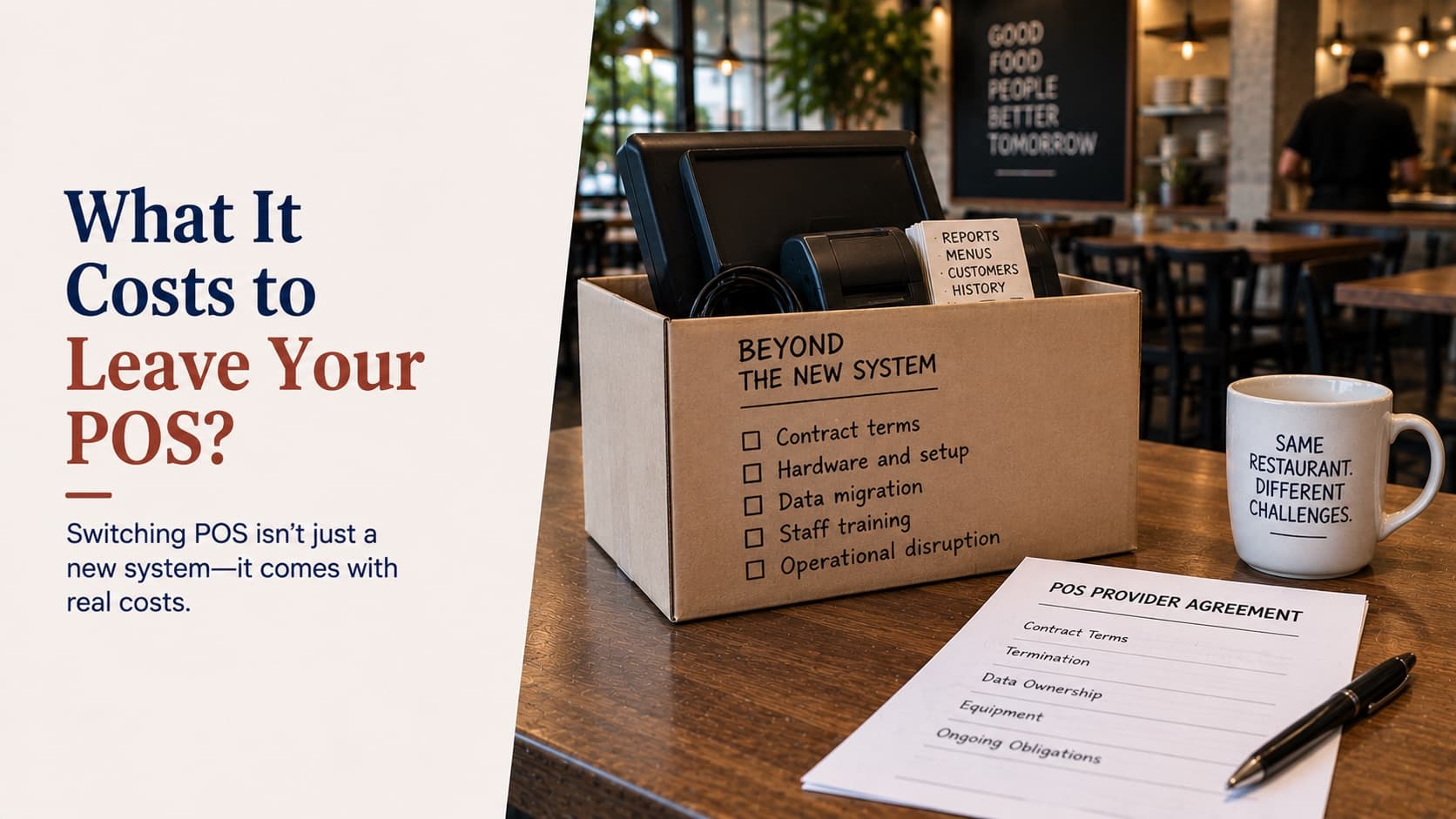
- Plan the data export day-one. Sales history, customer records, gift card balances. Most vendors charge for export — budget it.
- Train at three levels. Managers (admin + reporting), shift leads (ops), staff (POS only). Don’t train everyone the same way.
More on this in The great POS migration.
Comparing the major vendors
Side-by-side comparisons we maintain:
- Katalyst vs Aloha vs Toast vs Square
- Why Katalyst POS is better than its competitors
- Choosing the right POS for Boston, MA restaurants
Frequently asked questions
What is the best POS system for a restaurant?
There’s no universal ‘best.’ The right POS is the one that natively handles every workflow you need — front-of-house, kitchen, online ordering, catering, loyalty, payments, reporting — without forcing you to bolt on five vendors. For multi-location operators, look for cloud-based systems with strong enterprise reporting and rapid rollout. For single-location quick-service, optimise for speed, kiosks, and online ordering. Katalyst was built for restaurants that want all of that on one platform.
How much does a restaurant POS system cost?
Total cost has three layers: software (typically $69–$300/month per location, often per-terminal), hardware ($800–$3,000 per terminal up-front, plus printers and KDS screens), and payment processing fees (1.6%–3.5% per transaction depending on processor and card mix). Across these, mid-size restaurants spend 1.5%–3% of revenue on POS-related costs. Bundled, all-in-one platforms typically save 15–20% versus stitching multiple vendors together.
Can I keep my current POS hardware when switching software?
Sometimes — depends on whether your hardware is locked to a vendor or runs on standard iPads / off-the-shelf terminals. Legacy systems like Aloha use proprietary hardware that’s effectively unusable elsewhere. iPad-based POS (Katalyst, Toast, Square) are interchangeable at the hardware layer. If you’re on legacy hardware, factor a full hardware refresh into your switching budget.
How long does it take to migrate to a new POS?
For a single location: 2–4 weeks from contract signing to go-live, including menu setup, hardware install, staff training, and a soft-launch period. For multi-location rollouts: 6–12 weeks per location wave, ideally launching during a slow season (post-holidays or mid-winter). The switching cost most operators underestimate is the data migration — sales history, customer records, gift card balances. Plan that explicitly.
Is cloud-based POS better than on-premise?
For 95% of restaurants in 2026, yes. Cloud delivers automatic updates, real-time reporting from any device, faster recovery from hardware failure, and simpler multi-location management. The legitimate concern — service degradation if internet drops — is solved by all modern cloud POS via offline mode that queues transactions locally and syncs when connectivity returns. The exception: extremely high-volume venues (e.g. stadium concessions) sometimes still benefit from on-prem for latency reasons.
Do I need a kitchen display system (KDS)?
If you do more than 50 covers per service, yes. Paper tickets get lost, ignored, or mis-ordered, and there’s no audit trail when a guest complains about a wrong order. KDS reduces ticket times by 15–25%, eliminates printer maintenance, and gives you data on prep-time bottlenecks. Make sure the KDS is native to your POS — bolt-ons create reconciliation issues.
Built by restaurateurs
Katalyst is the all-in-one POS we wish we had
POS, payments, KDS, online ordering, loyalty, kiosks, catering, and analytics — natively integrated. No bolt-ons. See it on a 30-minute call.