The restaurant POS hardware guide: what you actually need — and what it really costs
Terminals, handhelds, KDS screens, printers, and the 'free hardware' trap — real 2026 price ranges for every component, and three full build budgets.


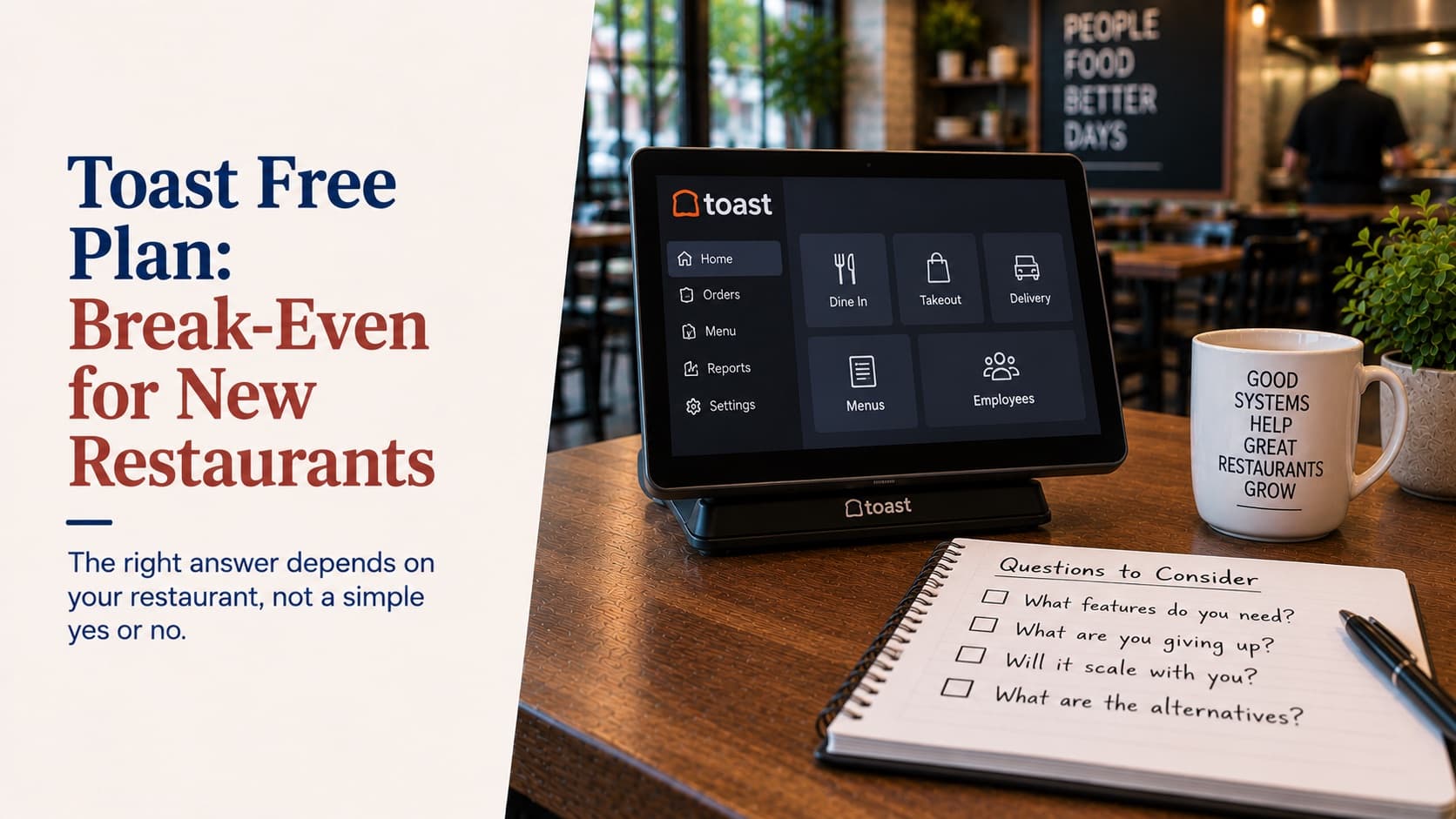
Software pricing gets all the attention in POS comparisons, but hardware is where quotes go to hide. The same vendor will show one operator a $0-upfront package and another a $12,000 equipment list — for the same restaurant. Neither number is a lie. Both are incomplete.
The good news: unlike software subscriptions, POS hardware is mostly commodity equipment with public prices. You can price out your whole build before a sales rep ever walks in, and you should — because the operator who knows that a kitchen impact printer is a ~$300 item negotiates differently than the one hearing "kitchen printing station" for the first time.
Here's every component, with the 2026 street-price ranges from vendor price lists and published hardware guides, plus the math on the "free hardware" offers. Prices move; treat every figure as a range and re-check against current quotes.
The terminal: $500 to $2,000, and why the spread exists
The main station is either an iPad in a stand or a purpose-built Android unit, and the price spread is real:
- iPad-based: Square's Stand runs $149 plus the iPad itself (~$330+), so a real first terminal lands near $480–$580 — before printer and drawer. iPads bring staff familiarity and Apple's update discipline; the trade-off is consumer hardware in a commercial environment and a limited range of screen sizes.
- Purpose-built: Square Register is $899, Toast's Flex bundles run roughly $719–$1,049 depending on what's attached, and a Clover Station Duo lists around $1,899. Purpose-built units are more durable and come in more form factors, but vendor-locked models age out of software support on the vendor's schedule, not yours.
The honest summary: the terminal itself is a $500–$2,000 decision per station, and the right answer depends more on your concept than on the brand — a point I unpacked in the business-type buyer's guide yesterday.
Handhelds: the highest-ROI line on the sheet
Handheld ordering devices run roughly $400–$630 each at current street prices (Square's handheld at $399; Toast Go 2 figures between $494 and $627 depending on the source; newer flagship handhelds are quote-only). Per-device software fees usually apply on top.
The reason to pay it: handhelds collapse the walk-to-terminal loop. Vendor-reported case data claims meaningful table-turn reductions and tip gains, and a Wharton School study of tabletop ordering technology measured sales up nearly 10% and productivity up about 11%. Treat the vendor numbers as marketing and the direction as real — orders reach the kitchen minutes earlier when nobody walks to a station. We covered the operational case in Handheld season.
If your floor is bigger than a counter, budget two handhelds before you budget a second fixed terminal. It's usually the better $1,000.
Kitchen screens and printers: heat decides
The kitchen is the hardest environment in the building, and it splits the hardware into two philosophies:
- Tablet-based KDS: roughly $150–$600 per station, plus $50–$150 for mounts and protective cases. Cheap to deploy; plan on replacing consumer tablets every couple of years once grease and heat get to them. Square's KDS is software-only ($20–$30/month per device on your own tablets).
- Purpose-built KDS: heat-rated, sealed, glove-friendly screens run roughly $900–$2,000+ per station (Toast's screens are $674 plus a monthly fee). For a high-volume hot line, this is the version that survives.
What a kitchen display system buys you beyond ticket display — routing by station, ticket timing, all-day counts — matters more than the screen itself; spec the software first, then the glass.
Printers are simpler, and the rule is old but reliable:
- Receipt printers are thermal — roughly $290–$310 for the Epson TM-m30 class everyone bundles.
- Kitchen printers should be impact (dot-matrix), roughly $225–$350 for the TM-U220 class. The reason is physics: thermal paper darkens with heat, so a thermal receipt printer next to the fry station prints tickets that cook themselves illegible. Impact printers use ribbon ink — Epson explicitly positions the U220 for hot areas — and the two-color ribbon gives you red-flagged modifiers for free.
The peripherals nobody budgets
Individually small, collectively a four-figure line:
- Cash drawer: $130–$320.
- EMV PIN pad / card reader: often bundled with the terminal; standalone units like the Ingenico Lane 3000 run ~$275.
- Barcode scanner (retail items, ID checks at the door): $180–$225 for the standard Zebra 2D class.
- Legal-for-trade scale (froyo, salad-by-weight, butcher counters): roughly $350–$480 NTEP-certified.
- Networking: the most under-budgeted item on this list. A dual-WAN router with LTE failover runs $300–$550 plus a $30–$50/month data plan — and it's the difference between an ISP outage being a non-event and a cash-only night. If you read one thing before buying network gear, make it your vendor's offline documentation.
"Free hardware" is the most expensive line item
Three structures to recognize from across the market, all documented in vendor pricing pages and industry reviews:
- Hardware-for-processing trades. Toast's pay-as-you-go starter tiers charge $0 upfront and no software fee — at published processing rates of roughly 3.1–3.7% plus 15¢, well above its standard pricing. On real volume, the spread repays the "free" hardware several times over within the first year or two.
- Reseller leases. A station that retails around $1,800 can total $4,000–$6,000 over a multi-year lease through third-party resellers — industry reviews of the Clover reseller channel document exactly this pattern.
- Non-cancellable equipment leases. The First Data Global Leasing model is the cautionary tale: 48-month non-cancellable terms that keep billing even if the restaurant closes. Industry reviewers rate these among the worst deals in payments.
The arithmetic is boring and decisive: hardware is a one-time $1,000–$13,000 purchase, while a lease or a processing-rate trade is a recurring charge engineered to outlast the equipment. Buy your hardware if you possibly can, and check the contract red flags before signing anything with the word "lease" in it.
What a full setup actually costs
Three builds, estimated from the component ranges above (my arithmetic, not a vendor quote — software subscriptions, per-device fees, and installation are extra):
- One-terminal café: terminal + receipt printer + cash drawer + reader, with optional LTE failover — roughly $900–$2,600. Reality checks from published bundles: an iPad-plus-Square-Stand kit lands near $900; a Toast terminal package around $1,050; a Clover Station Duo bundle near $1,900.
- Three-terminal full-service restaurant with two KDS stations, two handhelds, three printers, and failover networking — roughly $4,500–$13,000, where the spread is mostly tablet-vs-purpose-built KDS and which terminal tier you pick.
- Three-station bar with receipt printers, drawers, an ID scanner, and one kitchen station — roughly $3,900–$10,400.
If a quote lands far outside these bands in either direction, make the vendor walk you through the line items. Suspiciously low usually means a lease or a processing trade; suspiciously high usually means accessories you don't need yet.
How to buy it like an operator
- Buy, don't lease. Even financed at ordinary rates, ownership beats every lease structure above.
- Spec the kitchen for heat. Impact printers on the line, heat-rated screens if you go KDS on a hot station.
- Wire everything you can. Ethernet to printers, KDS, and fixed terminals. Wi-Fi is for handhelds.
- Buy the failover router with the original build. It's a rounding error next to one lost Friday.
- Keep one spare receipt printer in the office. The $300 spare has saved more services than any feature on this list.
Disclosure: I work at Katalyst, where the hardware position is the one I just argued for — you buy your equipment at cost, iPad-based by default with commodity terminals available, no leases, no end-of-lease buyouts, and the hardware isn't welded to the software contract. That's not generosity; it's just what the math says a fair deal looks like. If you want a line-item build for your floor plan — counts, models, prices in writing — Flex POS quotes are built exactly that way.
Related Katalyst products
Topics
See how Katalyst handles your service style
A 30-minute walkthrough of the platform, tuned to how your restaurant actually runs.